
Which air-cargo file do you have?
General AWBs, scans, HAWBs, MAWBs, manifests, and mixed document packets need different schemas. Choose the matching workflow to keep identifiers, relationships, totals, and exceptions reviewable.
Air cargo workflow finder
Which air-cargo file do you have?
Choose from the file in front of you and the output you need.01A regular AWBStart with airway bill number, route, pieces and weight.02A stamped or image-only AWBUse OCR and keep source-page exceptions visible.03A forwarder-issued house billPreserve the house shipment and its master reference.04A carrier-level master billCapture carrier, flight, consolidated weight and charges.05A flight manifest with many AWBsSeparate the flight header from one row per airway bill.06A mixed air-freight packetClassify documents before linking fields across them.
MAWB field blueprint
Separate the carrier master record, totals, and house-shipment batch
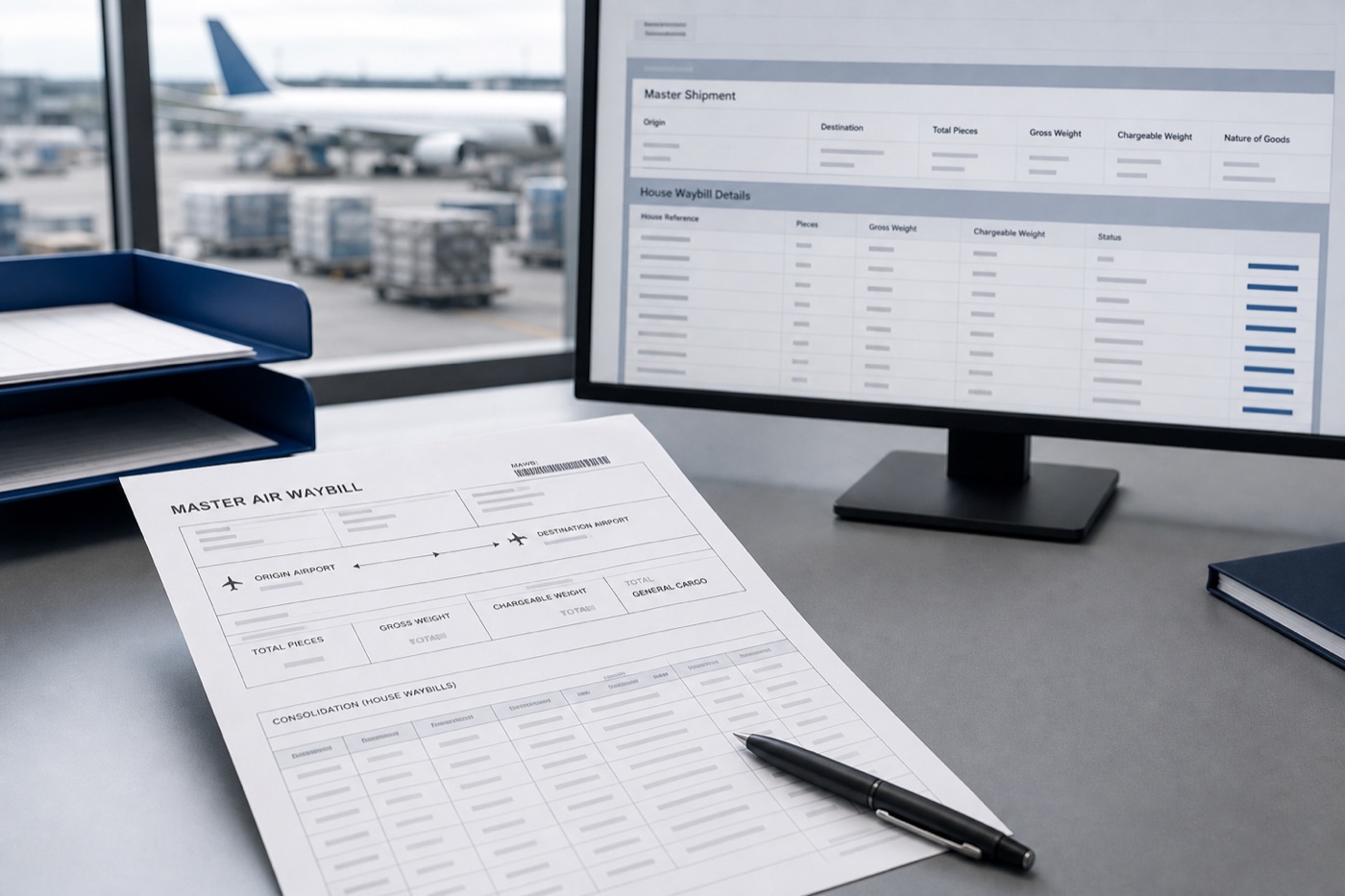
A useful MAWB output preserves the carrier-level contract identifier, routing, and totals while providing a stable master record for HAWB reconciliation.
Master identity
Review carrier prefix, serial, and execution details character by character.
MAWB No.Issuing carrierExecution dateAgent / IATA codeRouting and flight
Store transport routing, via points, and flight dates separately.
OriginDestinationRoutingFlight No.Flight dateConsolidated totals
Use master totals to reconcile house and warehouse records.
Total piecesGross weightChargeable weightWeight unitRates and charges
Review amounts with currency, payment status, and chargeable weight.
CurrencyPP / CCRate classRateWeight chargeOther chargesWhat makes this document hard
These are the real formatting and workflow issues teams usually run into.
01
Airline and agent layouts vary, placing master numbers, agent codes, and flight data in different regions.
02
Total pieces, gross weight, chargeable weight, rates, and charge lines sit close together and can shift columns.
03
Consolidated cargo requires MAWB totals to be checked against several underlying HAWB records.
How FOVATA handles it
The goal is not just conversion. The goal is structured output your team can use immediately.
Use a carrier-level MAWB field structure instead of mixing it with house shipment fields.
Extract origin, destination, routing, flight, total pieces, and weights into ledger-ready columns.
Define gross weight, chargeable weight, rate, and charge fields separately to reduce cleanup.
Keep a human review step before using the output for consolidation checks or system entry.
AI Smart Extraction
Best when the source layout is inconsistent and the target output needs to follow business logic.
Excel-ready output
The point is not to mirror the source page. It is to create an output file that saves follow-up work.
Fields teams usually extract
MAWB No.Issuing CarrierAgent / ConsolidatorOriginDestinationRoutingFlight No.Total PiecesGross WeightChargeable WeightCharge Amount
Teams that benefit most
Air freight operations
Cargo consolidation teams
Air route customer service
Freight settlement staff
Master-house reconciliation teams
Recommended workflow
A practical three-step path from source file to usable Excel output.
1
Upload the master air waybill PDF or image and start AI extraction.
2
Define carrier, route, flight, total pieces, weights, charges, and any required house linkage fields.
3
Review identifiers and totals, then export Excel for the master ledger or system import.
FAQ
Should MAWB and HAWB use the same extraction template?
Usually not. MAWB is the carrier-level transport record, while HAWB describes the forwarder-to-shipper record. Their core fields and review jobs differ.
Can it extract charges and chargeable weight?
Yes. Gross weight, chargeable weight, rates, and charges can be defined as separate output fields for review.
Can the output support master-house reconciliation?
It can provide the structured master record. Review MAWB number, total pieces, and total weight against the HAWB summary before handoff.
Use this page as your first test scenario
If carrier master waybills are your source for routing, totals, and charge entry, test this MAWB-specific workflow with a recurring layout.