
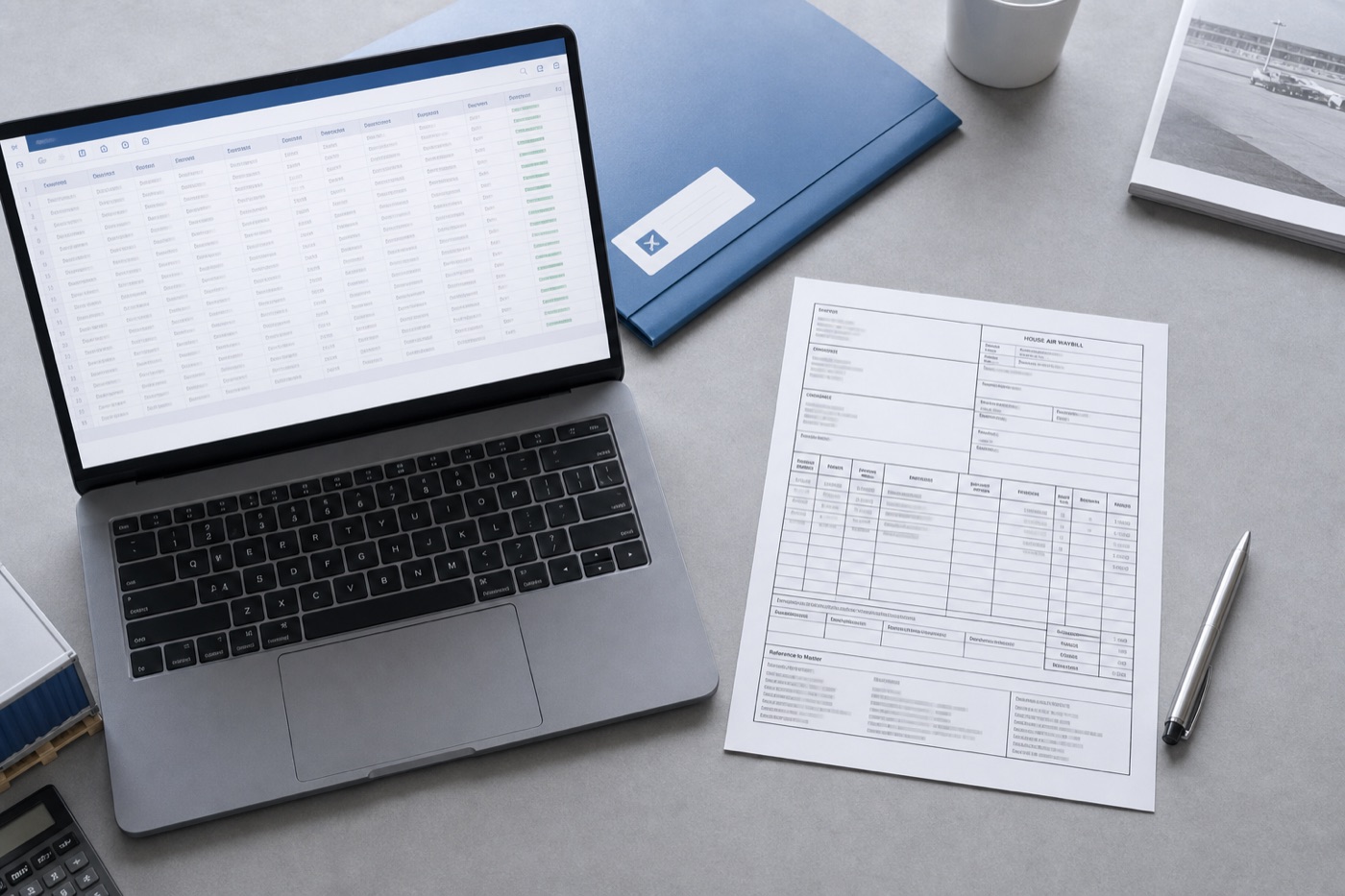
Which air-cargo file do you have?
General AWBs, scans, HAWBs, MAWBs, manifests, and mixed document packets need different schemas. Choose the matching workflow to keep identifiers, relationships, totals, and exceptions reviewable.
Air cargo workflow finder
Which air-cargo file do you have?
Choose from the file in front of you and the output you need.01A regular AWBStart with airway bill number, route, pieces and weight.02A stamped or image-only AWBUse OCR and keep source-page exceptions visible.03A forwarder-issued house billPreserve the house shipment and its master reference.04A carrier-level master billCapture carrier, flight, consolidated weight and charges.05A flight manifest with many AWBsSeparate the flight header from one row per airway bill.06A mixed air-freight packetClassify documents before linking fields across them.
HAWB field blueprint
One house shipment per row, with a separately reviewable master link
The core HAWB job is not copying a whole page. It is preserving the forwarder-issued shipment and its MAWB relationship under stable operational keys.
House identity
Keep the forwarder house number and customer references distinct.
HAWB No.Issue dateForwarderCustomer referenceMaster linkage
Connect each house shipment to the carrier-level master record.
Linked MAWB No.CarrierFlight No.Consolidation IDShipment parties
Preserve names, addresses, and notify details as semantic blocks.
ShipperConsigneeNotify partyContactCargo detail
Use pieces, weights, and goods for consolidation and declaration worksheets.
PiecesGross weightChargeable weightGoods descriptionWhat makes this document hard
These are the real formatting and workflow issues teams usually run into.
01
Forwarder layouts vary, and house, master, and reference numbers can appear close together.
02
Shipper and consignee details are often multi-line blocks that simple line-by-line copying breaks apart.
03
One MAWB can connect to several HAWBs, so every exported row needs a reviewable master-house relationship.
How FOVATA handles it
The goal is not just conversion. The goal is structured output your team can use immediately.
Extract HAWB data by business field without requiring a perfectly bordered source table.
Export HAWB No. and Linked MAWB No. as separate columns for consolidation and review.
Keep party blocks intact while extracting route, piece, weight, and goods details.
Save field instructions for recurring forwarder layouts and review the workbook before handoff.
AI Smart Extraction
Best when the source layout is inconsistent and the target output needs to follow business logic.
Excel-ready output
The point is not to mirror the source page. It is to create an output file that saves follow-up work.
Fields teams usually extract
HAWB No.Linked MAWB No.ShipperConsigneeOriginDestinationPiecesGross WeightChargeable WeightGoods Description
Teams that benefit most
Freight forwarding operations
Air import teams
Air export teams
Customs data-entry staff
Master-house ledger owners
Recommended workflow
A practical three-step path from source file to usable Excel output.
1
Upload the house air waybill PDF, scan, or image and start AI extraction.
2
Define house and master numbers, parties, route, pieces, weights, and goods fields.
3
Review master-house links, then export Excel for ledgers, system entry, or consolidation.
FAQ
How is this different from the general air waybill page?
This page focuses on the forwarder-issued house record and its link to a master shipment. The general AWB page covers broader air waybill extraction needs.
Can it extract both HAWB and MAWB numbers?
Yes. Define them as separate output columns so each relationship can be checked in the workbook.
Can multi-line shipper and consignee blocks stay together?
Yes. Field instructions can keep names and addresses within defined party fields. Critical business records should still be reviewed before use.
Use this page as your first test scenario
If your team repeatedly keys parties, routes, and weights from house waybills, test a batch from one forwarder first.