
Claim identity
Preserve administrative references.
Claim ReferencePolicy ReferenceReported DateClaimant ReferenceThe workbook should show what was extracted, where it came from and what still needs a qualified reviewer.
Preserve administrative references.
Claim ReferencePolicy ReferenceReported DateClaimant ReferenceCapture reported facts without drawing conclusions.
Loss DateClaim CategoryIncident LocationClaimed AmountTrack the packet and its sources.
Document TypeSource FileSource PageDocument CountKeep missing or conflicting items visible.
Missing DocumentConflict FlagReviewerReview StatusThese are the real formatting and workflow issues teams usually run into.
A claim packet can mix notices, loss runs, photo descriptions, invoices and other supporting files.
The same fact can appear in several documents with conflicting values, so field provenance matters.
Sensitive data, coverage, fraud and payment conclusions must not be decided from extraction alone.
The goal is not just conversion. The goal is structured output your team can use immediately.
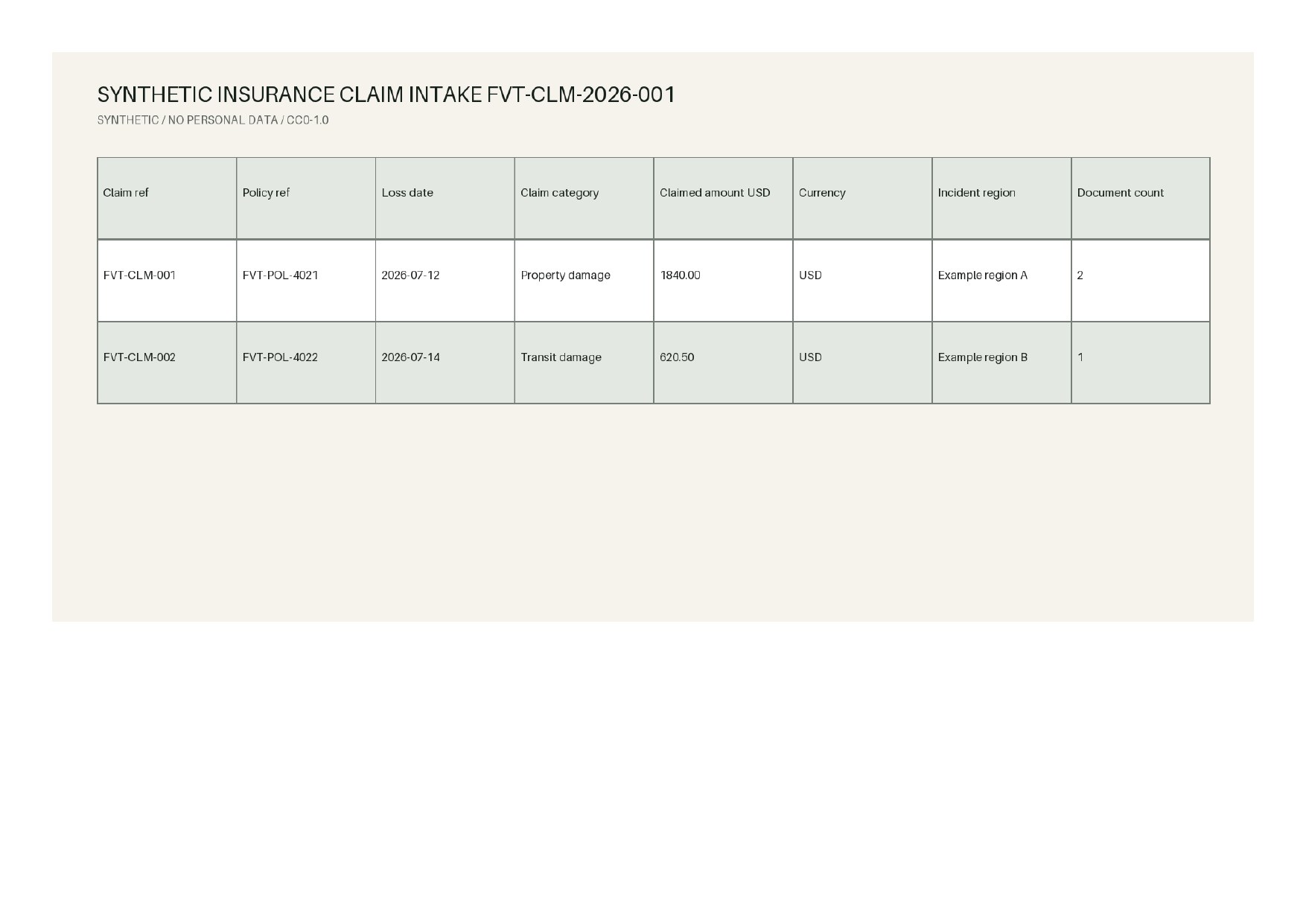
Extract claim reference, policy reference, loss and report dates, category, claimed amount and document count.
Keep source file, page and review status so people can resolve conflicts and missing evidence.
Send missing documents, amount conflicts and low-confidence fields to an exception queue without making claim decisions.
Best when the source layout is inconsistent and the target output needs to follow business logic.
The point is not to mirror the source page. It is to create an output file that saves follow-up work.
A practical three-step path from source file to usable Excel output.
Confirm processing authority and the minimum field set before uploading the claim packet.
Classify document types and extract administrative fields, amounts, dates and source pages.
Have qualified people review conflicts, sensitive fields and missing documents before downstream use.
No. This workflow is for administrative intake and document organization. It does not determine coverage, fraud, medical necessity or payment.
You can define fields from forms you are authorized to process. FOVATA does not reproduce or distribute third-party blank forms.
Upload only authorized data, use the minimum required fields, and follow your organization's privacy, security and retention policies for exports.
Validate fields and access boundaries with de-identified or synthetic files before processing authorized claim records.