
Image or screenshot
The public guest converter accepts one PNG, JPG, JPEG, or WebP file up to 5 MB. No account is required for the daily guest conversion.
Open the free converter
IMAGE TO EXCEL
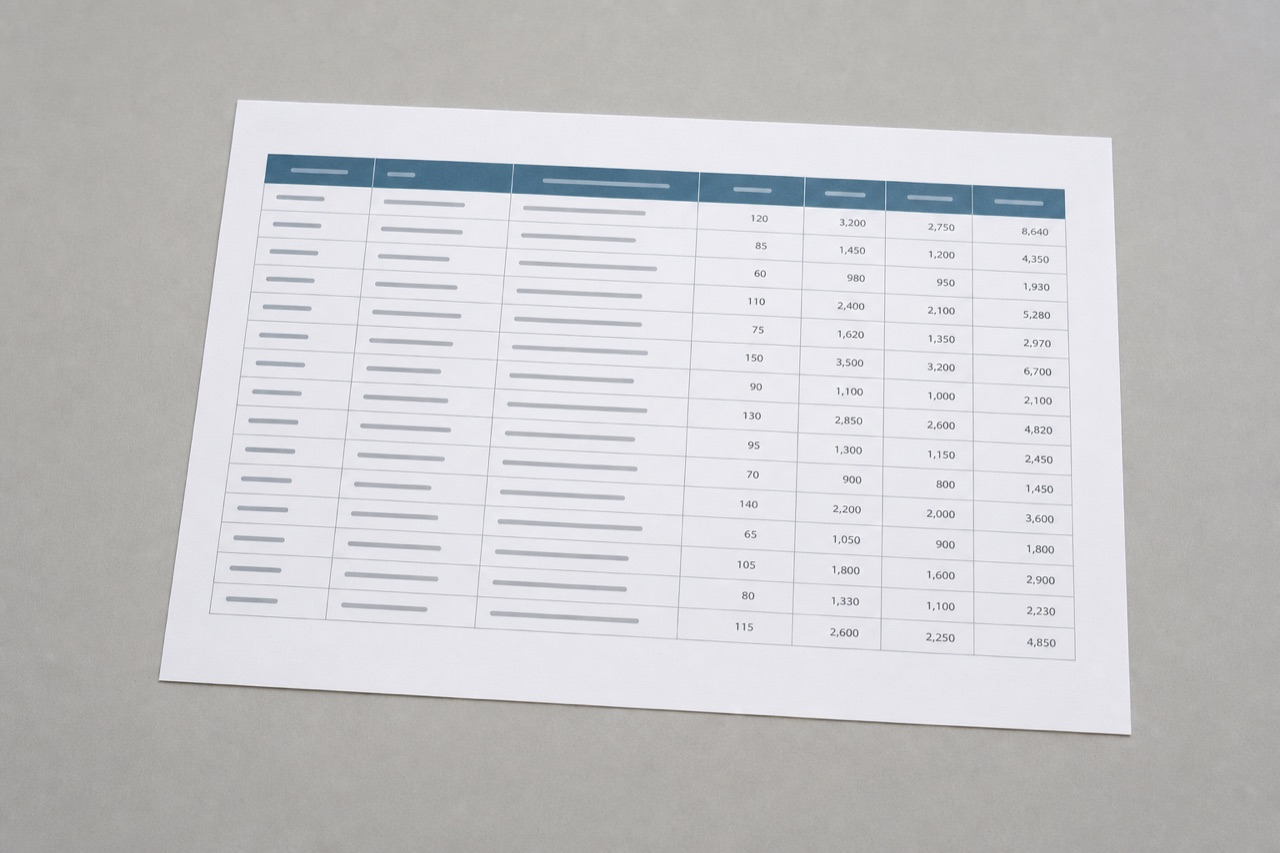
Upload one table image to the public free converter. It accepts PNG, JPG, JPEG, and WebP. Capture the whole table first, then check the result beside the image.
CURRENT PRODUCT BOUNDARY
The public guest converter accepts one PNG, JPG, JPEG, or WebP file up to 5 MB. No account is required for the daily guest conversion.
Open the free converterThe same guest converter accepts PDF files up to 3 pages and document images. Both routes produce a reviewable Excel workbook.
Open document converterThese are capture checks, not a performance promise. Review the workbook against the image before it informs downstream work.
Include the first header, the last column, and the full final row. A photo cannot restore a value that never reached the image.
Glare, motion blur, and shadows across cells make values and borders harder to review. Retake the image when the source is hard to read.
A camera angle can make vertical boundaries converge. Check that columns, dates, and right-edge values still line up with the source.
A merged header, wrapped description, or handwritten note can change the intended record boundary. Confirm the workbook beside the image.
PUBLIC DECLARED EXAMPLE
The public invoice below is synthetic and released for review. The companion workbook is declared reference data, not a model result and not evidence of a general accuracy rate.
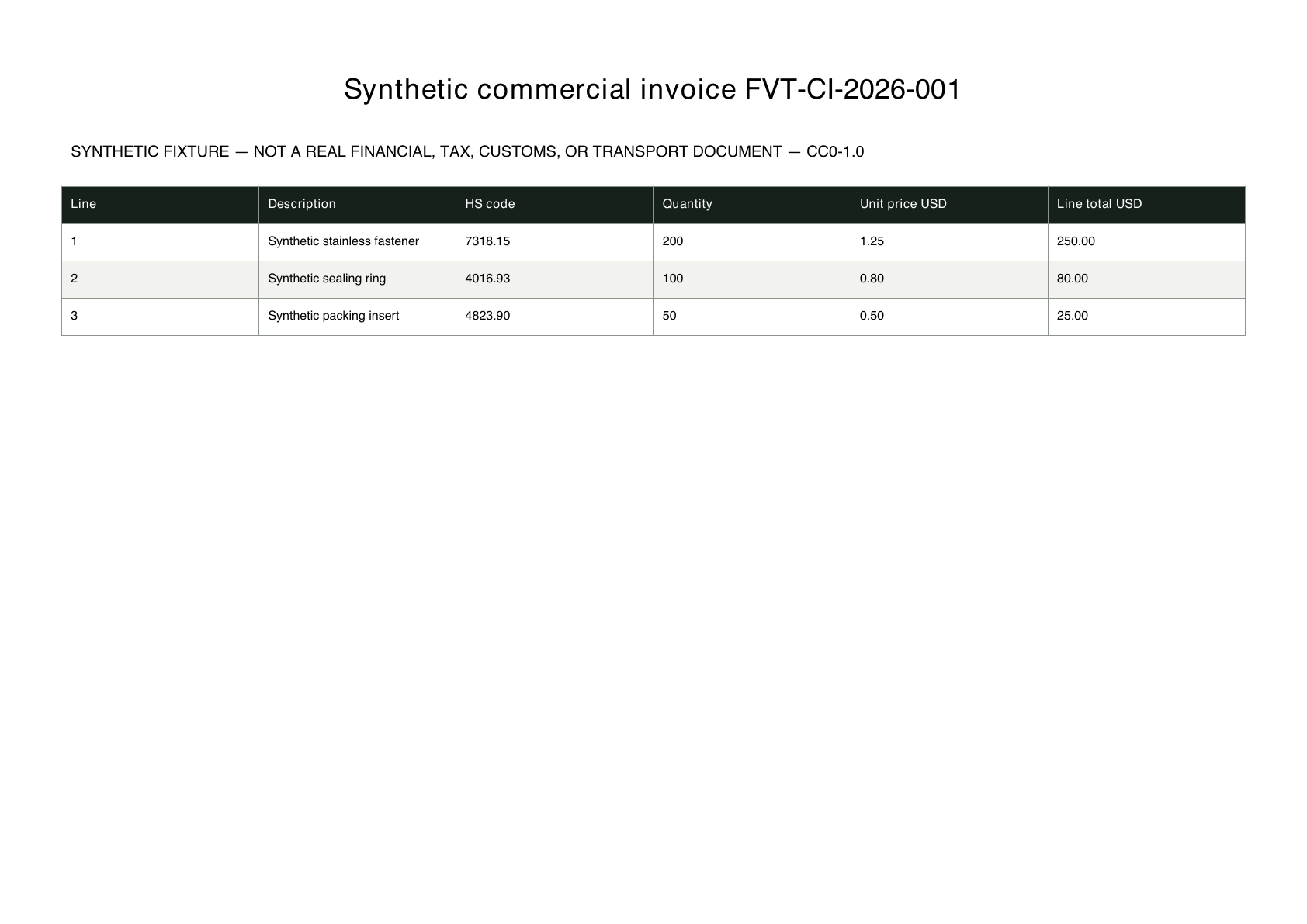
Image quality, layout, and field meaning can all affect whether a spreadsheet is ready for operational use.
IMAGE EXTRACTION EXAMPLES
These synthetic examples show two common image-to-Excel intents: extracting line items from receipt photos and extracting named fields from handwritten intake forms.
Organize receipt reference, merchant, purchase date, item, quantity, tax, and line total. The two-page PDF simulates two phone-captured receipts.
Request contact, organization, intake type, priority, follow-up date, and review status. Handwriting and uncertain values still need source review.
It does not claim a universal accuracy rate for photos, screenshots, scans, handwriting, languages, tables with merged cells, or naturally degraded documents.
Public image availability does not make a retention or deletion promise. Check the current product limits and privacy information before uploading a document.
Yes. The public free converter and the signed-in AI workspace accept PNG, JPG, JPEG, and WebP files.
Yes. A guest can convert one PDF or image per day. The file can be up to 5 MB; PDF files can contain up to 3 pages.
No. The source is a public synthetic invoice and the workbook is declared reference data for review. Neither is presented as live or historical model output.
Review visible values and table structure beside the original image. This matters especially for financial, operational, customs, tax, or record-keeping workflows.
Use the public converter for one daily PNG, JPG, JPEG, or WebP conversion, then review every workbook with the source image.
Try one free image conversion